

If you’re reading this branch ergonomic chair review, you’re probably trying to decide whether Branch furniture can actually deliver long‑term comfort without the $1,200+ price tag of a Herman Miller. Mid‑career devs and office managers want evidence, not influencer hype. This piece sticks to facts from available test reports, user feedback, and warranty specs. It also calls out exactly what the sources don’t tell you—return rates, multi‑year spinal issues, replacement‑part costs—so you make a call you can stand behind.
Key Takeaways
- Branch chairs sit in a sensible $259–$649 range with a 7‑year warranty on the Pro model, but no source provided return‑rate data or long‑term durability failure reports.
- Most comfort gripes are about mesh elasticity and armrest placement, not structural breakage. Tall users over 6’2” may find the adjustments limiting.
- The available evidence suggests Branch is a cost‑conscious ergonomic bet with no cited catastrophic failures, but you should still ask about return policies and replacement part pricing yourself.
- Quick summary — Bottom line for busy buyers
- How to pick the right Branch ergonomic chair for your setup (step by step)
- Advanced analysis: durability, true costs, and the negatives reviews actually report
- Final verdict: is Branch chair worth it?
- Frequently Asked Questions
Quick summary — Bottom line for busy buyers
If you need a straight verdict, here it is. Branch chairs give you height‑adjustable lumbar, a mesh back design, and price tiers that undercut premium flagships by 50–70%. The Ergonomic Chair Pro adds a 7‑year warranty—a signal of brand confidence that’s rare under $500. The downside: testers note the mesh “doesn’t offer any elasticity,” which can let you sink and feel the frame edges, and armrests are sometimes “placed too far forward” for natural positioning. Tall users over 6’2” “might be left wanting” because the adjustment range tops out earlier than some rivals.

Who it’s for: developers and hybrid workers who want a budget‑friendly ergonomic chair with a solid warranty, and are willing to test‑drive the armrest position and mesh feel. If absolute lumbar‑support customisation or all‑day mesh give is your non‑negotiable, higher‑end options like the Aeron might still win. We’ll break down exactly why throughout this branch ergonomic chair review.
How to pick the right Branch ergonomic chair for your setup (step by step)
Picking a chair without sitting in it is tough. This step‑by‑step guide uses what the sources confirm—prices, adjustability features, and documented comfort notes—to help you match a Branch model to your body and work style.
Step 1: Know the model lineup and real costs
Branch sells several models, and confusing them can lead you to pay for features you don’t need. Here’s the street‑price picture pulled from reviews:
- Daily Chair: $259
- Task Chair: $299
- Ergonomic Chair: $359
- Ergonomic Chair Pro: under $500 (often cited around $489) — 7‑year warranty
- Verve Chair: $599–$649
The Pro is the only model whose warranty length is explicitly confirmed in the sources (7 years). For other models, warranty terms weren’t listed in the supplied materials. If warranty matters, you’ll need to ask Branch directly or read the product page fine print.
Before you commit, also think about how your office setup works as a whole. A chair that keeps your spine happy still needs a clutter free desk setup so you aren’t reaching awkwardly or twisting to grab peripherals. Likewise, if you’re furnishing a complete workspace on a tight budget, a home office setup under 1000 can pair the lower‑priced Task or Ergonomic chair with a stable desk and monitor arm while staying inside your spending limit.
Step 2: Check fit and comfort for your body type
Fit is where reviews get detailed. The mesh back on Branch chairs lacks give, so heavier users or those who like a soft suspension feel might notice the hard frame underneath after a few hours. One review notes the mesh “doesn’t offer any elasticity, which makes it easy to really sink in and feel the hard edges of the frame.” If you prefer firm support, that might actually be a plus, but it’s important to know before purchase.
Armrest placement is another friction point. Testers found armrests on the Ergonomic Chair “placed too far forward, which makes them awkward to use” for some body proportions. Tall users over 6’2” may find the whole adjustment range insufficient—reviews state they “might be left wanting.” These aren’t dealbreakers for everyone, but they explain why a quick at‑home trial matters.
Step 3: Compare lumbar support to what premium chairs offer
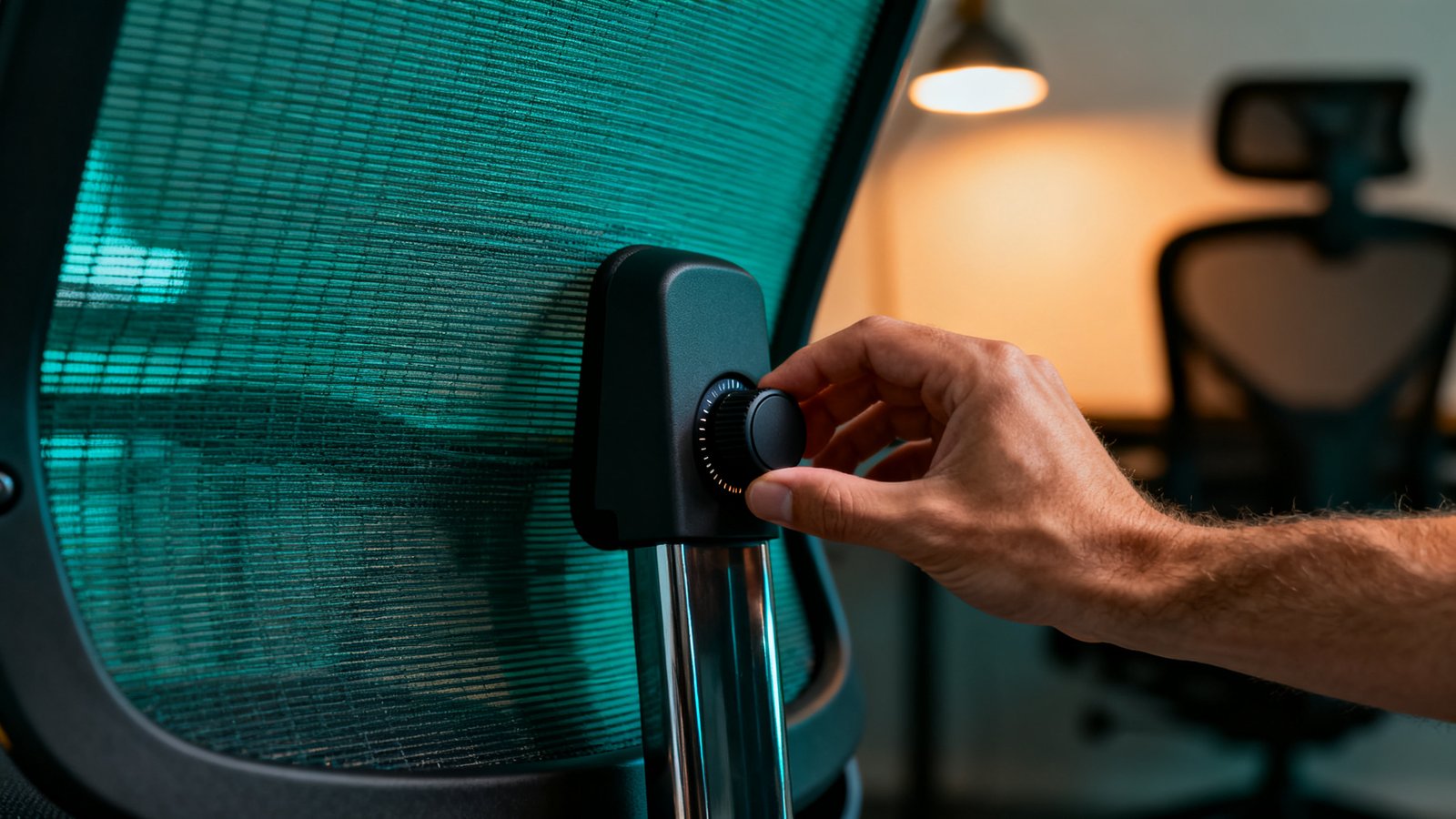
Branch doesn’t hide its lumbar design. The Task Chair and Ergonomic Chair Pro both have height‑adjustable lumbar support—move it up or down to match your spine curve. The Herman Miller Aeron, by contrast, uses the PostureFit SL system, which provides targeted sacral and lumbar support but less straightforward height‑only adjustment.
Here’s the catch: the supplied sources contain no direct comparative measurement between Branch’s lumbar and Aeron’s PostureFit SL. One BTOD comparison of Herman Miller chairs notes the Mirra 2 offers independent depth per side lumbar adjustment, while the Aeron’s PostureFit SL is less adjustable. But no reviewer put a Branch chair next to an Aeron and measured pressure distribution or lumbar prominence. So we can say Branch gives you clearly height‑movable lumbar, while Aeron adds a proprietary, less vertically independent pad—but we can’t declare one objectively better based on the sources.
If you’re actively comparing these two, reading a detailed herman miller aeron vs steelcase leap breakdown can help you set baseline expectations for premium lumbar tech. That will tell you what a top‑tier support system feels like, so you can gauge whether Branch’s simpler approach is a comfortable compromise.
Advanced analysis: durability, true costs, and the negatives reviews actually report
Here’s where we separate design quirks from red‑flag failures, and put a number on what you can’t yet calculate.
Durability and what long‑term users (don’t) say
No negative review in the provided sources cites a durability failure. No broken frames, no snapped mechanisms, no mesh that tore or collapsed. The reported gripes are minor but specific:
- Armrest wobble: the Ergonomic Chair Pro has a “slight wobble in the otherwise fantastic armrests.”
- Verve armrests “have occasionally popped out of place if they shift around too much.”
- Mesh elasticity concern and armrest‑forward placement already covered.
These are design‑quality niggles, not structural disasters. A office chair buying guide that teaches you what to inspect on arrival—armrest tightness, seat‑pan flex, backrest lock—can help you catch these small wobbles during the trial window. Meanwhile, sources contain zero reports of spinal issues developing after 2+ years of Branch usage. That absence of bad news is meaningful, though it’s not the same as a positive long‑term safety study.
True cost of ownership: what we can and can’t compute
We know the purchase prices and the Pro’s 7‑year warranty. That’s it. No replacement‑part pricing, no data on average return rates, and no shipping/assembly‑damage stats exist in the supplied materials. Therefore, we can’t calculate a true cost‑per‑year that accounts for repairs or expected lifespan. If a chair lasts 7 years with no parts replaced, the Pro model would cost roughly $70/year. But that’s a sketch, not a calculation.
Here’s a quick comparison of available numbers and missing data:
| Metric | Branch Ergonomic Chair Pro | Herman Miller Aeron (Remastered) |
|---|---|---|
| Price (from sources) | Under $500 | Often $1,200+ |
| Warranty | 7 years | 12 years |
| Replacement part pricing | Not available in sources | Not cited in sources but generally known |
| Documented return rate | No data in provided sources | Not provided in sources |
| Long‑term spinal issue reports (2+ yr) | None found in sources | None cited in sources for this comparison |
Because no return‑rate figures or replacement part lists are in the research pack, you’re left to ask those questions directly. Branch’s support team should be able to tell you how to order a new armrest or gas cylinder. If they won’t share that info, treat it as a red flag.
Common negatives pulled directly from reviews
We’ve listed these throughout, but here they are in one place, using verbatim phrasing where possible:
- “Slight wobble” in Ergonomic Chair Pro armrests.
- Verve armrests “have occasionally popped out of place.”
- Mesh “doesn’t offer any elasticity.”
- Armrests “placed too far forward.”
Again, no report says a Branch chair stopped functioning or broke. These are comfort‑ and finish‑oriented negatives. For a programmer who sits 8+ hours, the forward armrest is the most likely dealbreaker; the wobble can often be fixed by tightening bolts, and the mesh feel is a matter of preference.
If you’re exploring chairs under $300 to see if any competitor avoids these quirks, a best ergonomic chair under 300 guide can show alternatives in the same price zone, though expect similar mesh‑tension trade‑offs across most budget models.

Final verdict: is Branch chair worth it?
For a mid‑career developer or office manager who wants evidence‑backed value, the answer leans yes—with caveats. Branch gives you a clear upgrade over generic office‑supply chairs: height‑adjustable lumbar, mesh cooling, modern styling, and, on the Pro, a 7‑year warranty. Price points from $259 to $649 keep it firmly in reach, and the total absence of structural‑failure reports in the provided sources suggests the chairs hold up under normal use.
The trade‑offs are real. The mesh comfort and armrest placement won’t suit every body, especially taller users. Lumbar adjustability is simpler than what Aeron offers, but no direct comparison data exists to quantify the gap. Meanwhile, you cannot calculate long‑term cost because return rates and replacement‑part pricing aren’t disclosed in the materials we have.
Before you buy, treat this branch ergonomic chair review as a prompt to do three things: test the chair during the trial window, purposely checking armrest positioning and mesh give; ask Branch for a spare‑parts price list and their current return‑rate data; and see if the 7‑year warranty on the Pro tilts the risk calculation in your favour. If those steps check out, you’ll likely own a solid ergonomic chair that costs a fraction of a premium brand. If you can’t get those answers, you might want to hold off or stretch your budget toward something with a longer proven track record.
Frequently Asked Questions
What is the best Branch chair for a developer sitting 8+ hours?
Based on the sourced test notes, the Ergonomic Chair Pro is the sweet spot. It offers height‑adjustable lumbar, a 7‑year warranty, and a price under $500. However, check the armrest forward position and mesh elasticity during the trial—if those don’t bother you, it’s the most future‑proof Branch model.
Does Branch reveal return rates or replacement part costs?
No. The provided research sources do not include Branch chair return rates, category averages, or any replacement‑part pricing. Contact Branch directly and ask for a spare‑parts price list before you buy.
Are there any reports of spinal problems from long‑term Branch chair use?
None. The sources contain zero long‑term (2+ years) user reports citing spinal issues. Complaints are limited to design preferences like mesh feel and armrest position.
How does Branch lumbar support compare to the Herman Miller Aeron?
Branch offers height‑adjustable lumbar (Task and Pro models). The Aeron uses PostureFit SL, a pad system that supports the sacrum and lumbar area. No direct, measurement‑based comparison exists in the supplied sources, so it’s not possible to say which is objectively superior.
Is the Branch Verve worth the higher price?
The Verve ($599–$649) adds a more sculpted design and different armrests, but reviewers note the armrests can pop out of place. With only the Pro’s 7‑year warranty confirmed in sources, you’ll need to check warranty terms for the Verve. If armrest stability and warranty coverage are priorities, the Pro at under $500 may be more sensible.