

A standing desk buying guide in 2026 isn’t about ticking off spec sheets or trusting a single YouTube recommendation. It’s about decoding what fails silently, what wobbles when you raise it above your chest, and which materials will still look decent after two years of coffee rings and keyboard drag. If you’re a remote or hybrid worker running dual 27″ monitors, spending 6–10 hours a day at your desk, this guide gives you the exact thresholds, OEM names, and warranty signals that separate a 10‑year investment from a 3‑year regret.
Key Takeaways
- Premium dual‑motor frames with 15‑year warranties show motor failure mentions around 1–3% in reviews; budget motors with 1–5‑year warranties carry much higher risk.
- Stability at standing height depends on width, depth, and load—72″ tops become wobbly above 44–45″ unless the frame is over‑built, especially when carrying more than 150–200 lb.
- For long‑term reliability, prioritize known motor OEMs (Jiecang, Linak) and modular components. Laminate tops hold up best cosmetically over two years, and a 30″ depth is non‑negotiable for comfortable dual‑monitor viewing.
- Quick summary — what to look for in one page
- Hidden reliability — single‑motor vs dual‑motor
- Stability and wobble — real thresholds by load, height, and top size
- Motor lifespan & duty cycle — how long will the actuator actually last?
- Motor OEMs compared — Linak vs Jiecang vs unbranded
- Noise and motion feel — measured dB ranges
- Surface materials — durability after 2 years and cost per sq. ft.
- Depth & multi‑monitor ergonomics
- Minimum desk width for common setups
- Repairability, modularity & warranty red flags
- Environmental footprint & materials
- Electric vs manual crank — pros, cons, and which user each suits
- 10‑point buying checklist + decision flow
- Quick specs cheat sheet & sample configurations
- Conclusion
- FAQs
Quick summary — what to look for in one page
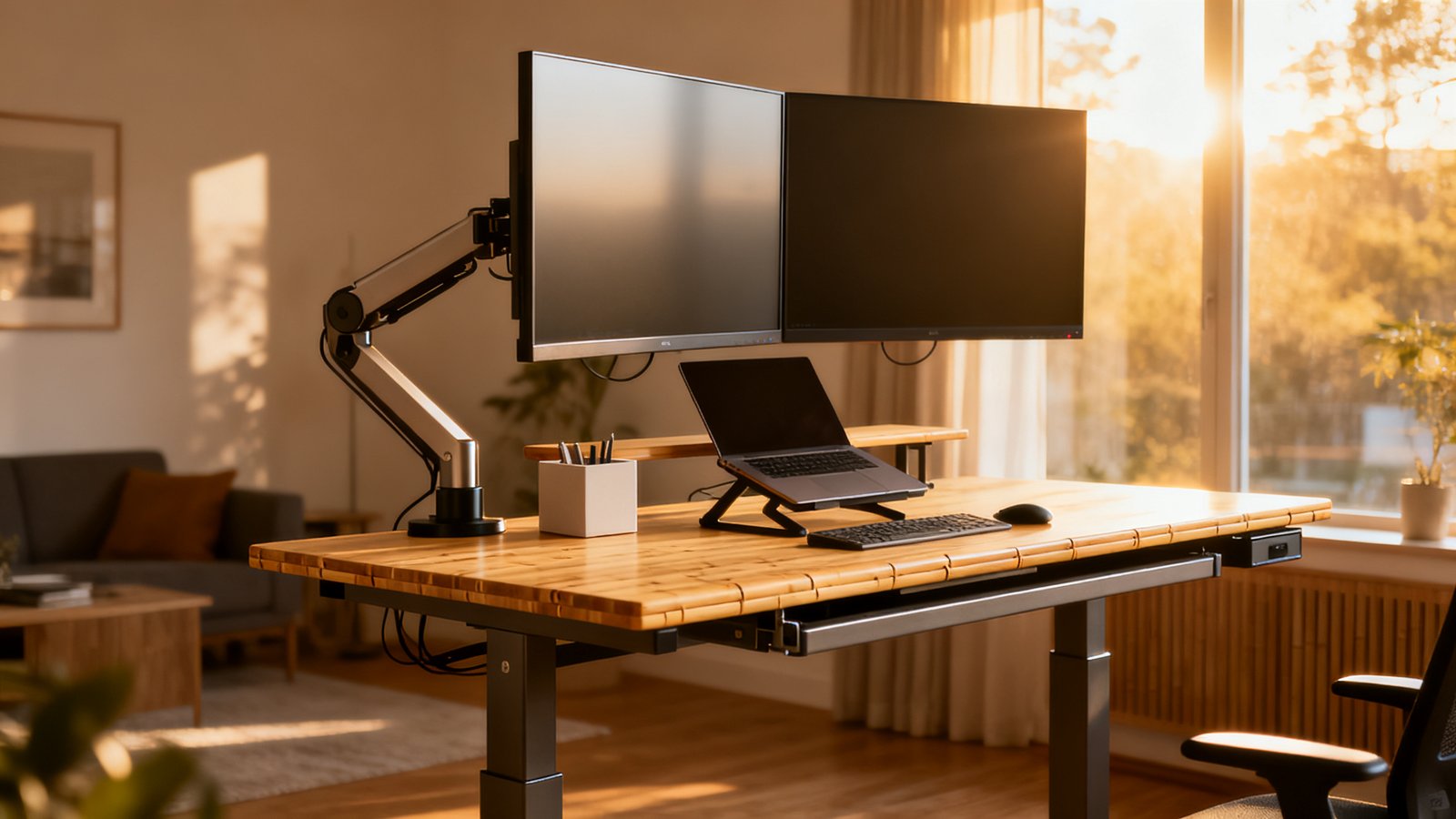
Don’t get lost in motor speed or memory presets. The four non‑negotiables are stability at standing height, realistic weight capacity for your actual gear, motor OEM lineage (and the warranty that backs it), and top material durability. If you’re spending under $700, expect a laminate top and a mid‑range dual‑motor frame with at least a 5‑year motor warranty; above $700, you can demand a 15‑year warranty, better known OEMs, and solid‑wood or bamboo options. The real proxy for reliability is warranty length: premium frames from Uplift and Jarvis now carry 15‑year motor/electronics warranties, implying cumulative failure expectations under roughly 10–12% over that term, while budget motors commonly come with 1‑5‑year warranties, according to GreenSoul’s motor breakdown.
Hidden reliability — single‑motor vs dual‑motor (what reviews and warranties actually reveal)
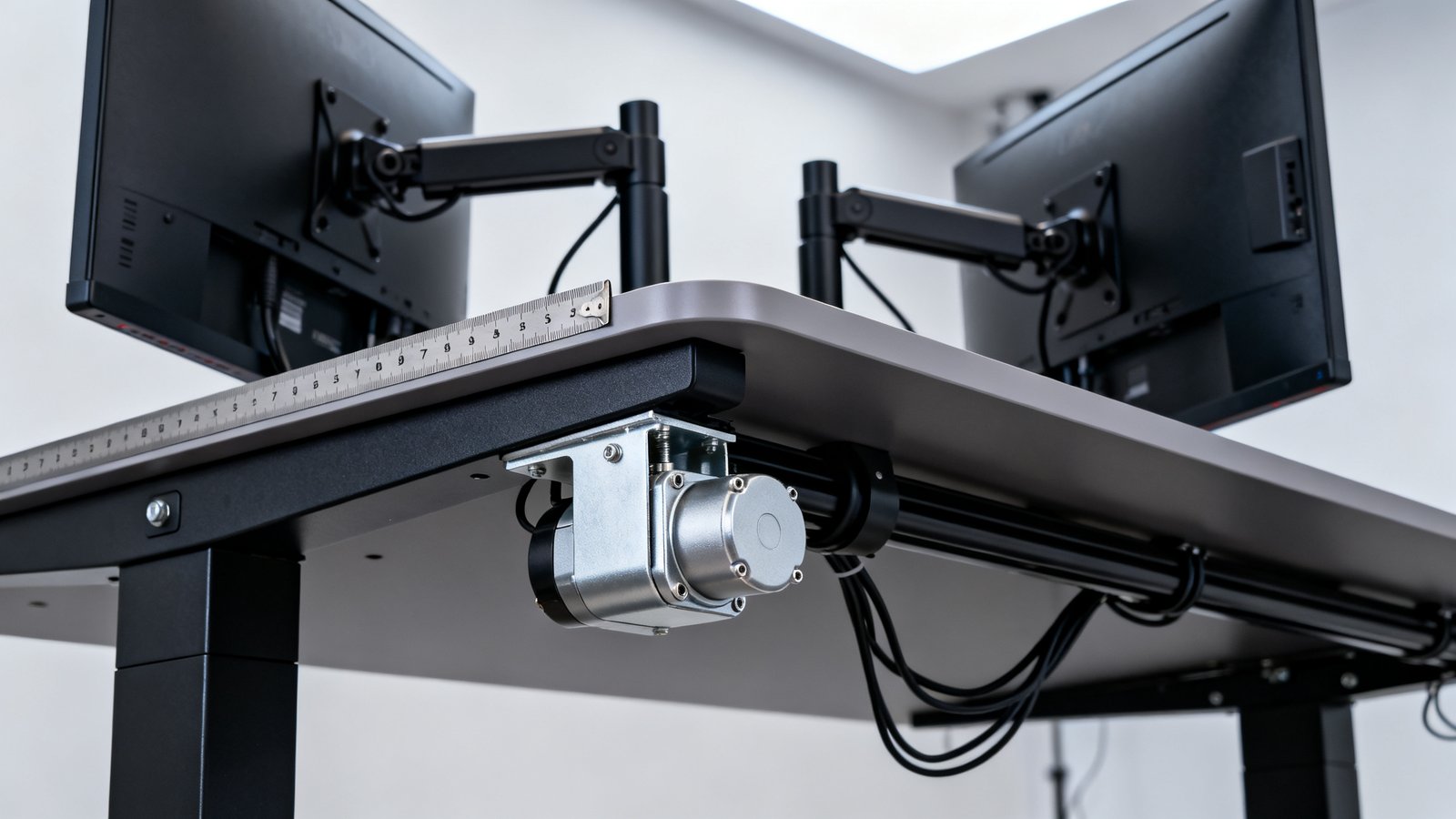
Motor count alone is a terrible reliability predictor. The real failure vectors are motor burnout, controller‑sync errors, and one‑leg hang. Reviews aggregated across Amazon, brand sites, and Reddit show motor/controller failure mentions around 1–3% of total reviews for premium dual‑motor brands like Uplift and Jarvis, while Autonomous SmartDesk variants see roughly 5–10% of negative reviews pointing to motor or electronics issues. That’s not a huge absolute number, but it’s a pattern.
Single‑motor budget frames have fewer synchronization points—a mechanical shaft keeps legs in sync—so they often avoid “one side stuck” errors. However, they suffer from more wobble complaints and slower lift speeds. Dual‑motor desks distribute load better, but cheaper implementations rely heavily on controller electronics that can glitch after power outages or uneven weight distribution. The takeaway: reliability hinges on OEM quality, control board design, and warranty support, not the number of motors.
Stability and wobble — real thresholds by load, height, and top size
Manufacturer load ratings are often optimistic. In practice, noticeable wobble starts creeping in well before you hit the stated weight limit, especially when the desk is raised and the top is wide. A desk with a 24″ depth will also rock more front‑to‑back than a 30″ depth model, because the shorter depth gives the frame less leverage to resist pushing forces. When you build a clutter free desk setup, you eliminate dangling cables that can yank on monitors, but the structural limits remain.
| Top Width | Motor Type | Load Where Wobble Becomes Noticeable | Height Threshold | Notes |
|---|---|---|---|---|
| 48″ | Dual‑motor (premium) | >200 lb | >46–48″ | Remains stable for most typical office loads |
| 60″ | Single‑motor / budget | >150–180 lb | >44–45″ | Mild side‑to‑side wobble common with extended monitor arms |
| 72″ | Dual‑motor (premium) | >200–250 lb | >46–48″ | Poor stability without cross‑brace or extended feet; many Reddit complaints at tall heights |
| 72″ | Single‑motor / budget | >150 lb | >44″ | High risk of wobble; best kept under 42″ height or with light loads |
Motor lifespan & duty cycle — how long will the actuator actually last?
Real‑world lifespan depends on how many times you raise and lower the desk. A typical knowledge worker runs about 6 complete up‑down cycles per day—say, switching position every hour. That’s roughly 1,500 cycles a year. Budget actuator test ratings of 10,000–15,000 cycles translate to 6.7 to 10 years of operation before reaching the end of the test life. Premium OEMs like Linak and high‑spec Jiecang often design for beyond 20,000 cycles, pushing the realistic life to 8–12+ years under normal use—assuming the desk isn’t perpetually overloaded and the environment isn’t extreme.
Rather than obsessing over a hard number, treat the motor warranty as a durability signal. If you’re aiming for a 10‑year lifespan, a 5‑year motor warranty is the absolute minimum, while a 15‑year warranty implies far greater confidence from the manufacturer.
Motor OEMs compared — Linak vs Jiecang vs unbranded
The name on your desk doesn’t tell you who built the motor. Most mid‑to‑high‑end consumer desks (Uplift, Jarvis, Autonomous Pro at various times) run on Jiecang actuators. Linak powers many commercial‑grade systems from Humanscale and Steelcase, and carries a reputation for extremely low failure rates in 24/7 office environments. Ketterer motors appear in some higher‑end single‑motor models, promising German manufacturing precision. Unbranded OEMs dominate the budget end, where reliability is inconsistent.
The relevant signal for you: Jiecang‑based desks from Uplift and Jarvis now carry 15‑year warranties, suggesting field reliability on par with good Linak‑based implementations. When buying, ask the vendor outright: “What OEM makes the motors, and what’s the actuator’s tested cycle life under max load?” If they can’t answer, consider that a red flag.
Noise and motion feel — measured dB ranges and what you’ll actually hear
Noise matters more if your home office shares a wall with a bedroom or if you’re on video calls while moving the desk. Measured at about 1 meter, budget electric desks register 45–55 dB while moving; premium Linak/Jiecang systems typically fall in the 40–50 dB range. That’s between a quiet office and normal conversation, so it’s noticeable but rarely disruptive. Manual crank desks are quieter in raw decibels—roughly 35–45 dB—but you’ll spend 15–20 seconds cranking instead of 5 seconds with a motor, prolonging the sound.
Choose an electric frame if you switch positions frequently; manual crank only makes sense for very low budgets, stationary light loads, or if motor noise is absolutely unacceptable. And if you’re setting up a full ergonomic workstation setup, remember that even a quiet motor won’t mask a desk that wobbles when you lean on it.
Surface materials — durability after 2 years and cost per sq. ft.
After two years of daily use, the most visible wear appears on bamboo and cheaper wood/veneer tops. Review sampling across Reddit and brand sites shows bamboo tops generate more scratching, denting, and occasional warping complaints than laminate. Laminate (HPL or TFL) is considered “boring but durable,” with minimal visible wear besides micro‑scratches on glossy finishes. Solid wood can develop cracks or splits due to humidity changes, but it’s often repairable by sanding and refinishing. Veneer over MDF risks peeling if edges get damaged.
Cost per sq. ft. (based on common 60×30″ tops): laminate runs roughly $10–$14/sq ft, bamboo $14–$21/sq ft, and solid wood $24–$48+/sq ft. For heavy‑use environments, laminate is the pragmatic choice. If you’re furnishing a home office setup under $1000, a laminate top on a solid frame leaves room for better accessories.
Depth & multi‑monitor ergonomics — the overlooked ergonomics metric
Desk depth is rarely discussed in most buying guides, yet it dictates your viewing distance. For two 27″ monitors, the ideal viewing distance is roughly 24–28 inches. A 27–30″ deep desk comfortably provides that space, especially when using monitor arms that push screens toward the back. A 24″ depth often forces the monitors closer than 20 inches, which can increase eye strain and neck tension. If you’re pairing the desk with an office chair buying guide-level chair, make sure the armrests still fit under a deeper top.
Minimum desk width for common setups
Two 27″ monitors side‑by‑side occupy about 48–50″ of width, leaving no room for speakers or angled placement. Realistic minima: 48″ is bare minimum (monitors will touch), but 55–60″ is comfortable. Add a laptop stand and you need at least 60″. With a desktop tower on the surface, 60″ becomes tight; 72″ gives breathing room. Use monitor arms to free up desk space and maintain ergonomic sight lines.
Repairability, modularity & warranty red flags (the 2026 purchase checklist)
Few desks advertise repairability, but you can read between the lines. A 5‑year motor warranty typically signals the manufacturer expects ≤5–7% cumulative failure over that period, while a 15‑year warranty implies ≤10–12% cumulative failure—very low annual rates. During product research, check whether the vendor sells spare motors, controllers, and sync cables separately. Modular designs that let you swap only the failed part (instead of the whole frame) are a green flag. Red flags: proprietary connectors, sealed controllers, and limited warranty fine print that excludes the motor after the first year.
Environmental footprint & materials — what most guides skip
Major buying guides almost never quantify environmental impact, but you can ask simple lifecycle questions: Is the solid wood from sustainably managed forests? What adhesives and finishes are used, and do they emit low VOCs? Bamboo is often marketed as “eco‑friendly,” yet its processing can involve intense chemical binders. Laminate (MDF core) has higher embodied carbon but often lasts longer cosmetically. If transparency matters, request the species origin and finish certifications from the vendor—silence is a warning sign.
Electric vs manual crank — pros, cons, and which user each suits
Electric desks offer speed convenience at the cost of electronics complexity and slightly higher noise. Manual crank desks avoid motor failure entirely but are slower and less likely to be used frequently. Choose manual only if your desk stays at a fixed height most of the time and you’re on a strict budget, or if you truly need zero motor hum. For anyone adjusting posture multiple times a day, the time‑vs‑noise tradeoff favors electric, provided you pick a quality OEM.
10‑point buying checklist + decision flow (budget vs long‑term investment)
Use this checklist before clicking “buy”:
- Measure your seated and standing elbow heights; the desk must go low enough and high enough.
- Calculate realistic total load (monitors, arms, laptop, peripherals, leaning weight) — for most dual‑27″ setups, aim below 150–200 lb on mid/budget frames.
- Choose width: 60″ comfortable for two monitors, 72″ if adding tower.
- Insist on 27–30″ depth.
- Frame type: premium dual‑motor for 60–72″ tops and tall users; single‑motor acceptable for 48″ only if load is light.
- Check motor OEM and warranty: Linak/Jiecang with ≥10‑year frame and ≥5‑year motor as minimum.
- Top material: laminate for heavy wear, solid wood or bamboo if you value repairability and aesthetics.
- Noise tolerance: <50 dB is typical for premium desks; under 55 dB is acceptable.
- Repairability: confirm spare parts availability and modular design.
- Environmental transparency: ask about VOCs and wood sourcing.
Decision flow: Under $300? Accept a single‑motor frame and laminate top; keep width ≤48″ and load below 120 lb. $300–$700? Get a dual‑motor frame with at least 5‑year motor warranty, 60″ width, laminate or bamboo. $700+? Demand 15‑year warranties, Linak or high‑spec Jiecang motors, 60–72″ top, and your choice of solid wood or premium laminate. If you’re building a full home office setup under $1000, allocate the bigger slice to the desk frame—it’s the hardest component to upgrade later.
Quick specs cheat sheet & sample configurations (copyable)
| User Profile | Width | Depth | Practical Weight Target | Motor Type | Warranty Minimum |
|---|---|---|---|---|---|
| Single‑monitor light load | 48″ | 24–30″ | ≤120 lb | Single‑motor (reliable brand or budget dual‑motor) | 5 years motor |
| Dual‑27″ power user | 60″ | 27–30″ | Keep under 150–200 lb on mid frames, 200–250 lb on premium | Dual‑motor premium (Jiecang/Linak) | 10+ years frame, 5+ motor |
| Content creator (3+ monitors, tower) | 72″ | 30″ | 200–250 lb target; avoid maxing rating | Heavy‑duty dual‑motor, cross‑brace preferred | 15 years frame and motor |
Conclusion
This standing desk buying guide isn’t built on hype—it’s built on warranty signals, measured wobble thresholds, real wear reports, and OEM transparency. Whether you’re piecing together a budget setup or investing in a 15‑year motor, the numbers don’t change: 27–30″ depth, 60″ minimum for dual monitors, and a motor backed by a known OEM with a warranty you can trust. Your desk will carry the weight of your work for years; give it the specs it actually needs.
FAQs
Is a single‑motor or dual‑motor desk better?
Neither is universally better. Dual‑motor desks handle heavier loads and wider tops more stably, but reliability depends on OEM quality and controller design. Single‑motor desks have fewer sync issues but more wobble at height. Choose based on your load and width, and always prioritize a strong warranty.
Will my 72″ top be stable?
It can be, but you’ll need a heavy‑duty dual‑motor frame, preferably with extended feet or a cross‑brace. Without those, 72″ tops commonly start wobbling above 44–45″ of height, especially with monitor arms extended toward you and loads over 150–200 lb.
How loud is the motor?
Budget electric desks measure 45–55 dB at 1 meter; premium Linak/Jiecang systems run 40–50 dB. That’s similar to quiet conversation. Manual crank desks are quieter (35–45 dB) but take longer to adjust.
How long until I need a motor replacement?
At 6 cycles per day, a typical actuator rated for 10,000–15,000 cycles lasts 6–10 years. Premium motors can reach 8–12+ years under normal conditions. Motor failure rates for top brands hover around 1–3% in reviews; most issues appear within the first two years.
Which top material looks best after 2+ years?
Laminate shows the least visible wear. Bamboo and cheap wood veneers often show scratches, dents, or finish wear within 1–2 years. Solid wood can develop surface character but is repairable if you’re willing to sand and refinish.